You can archive or delete your survey if it is no longer relevant. Please note that if you delete a survey, it cannot be restored.
Archive or delete your survey
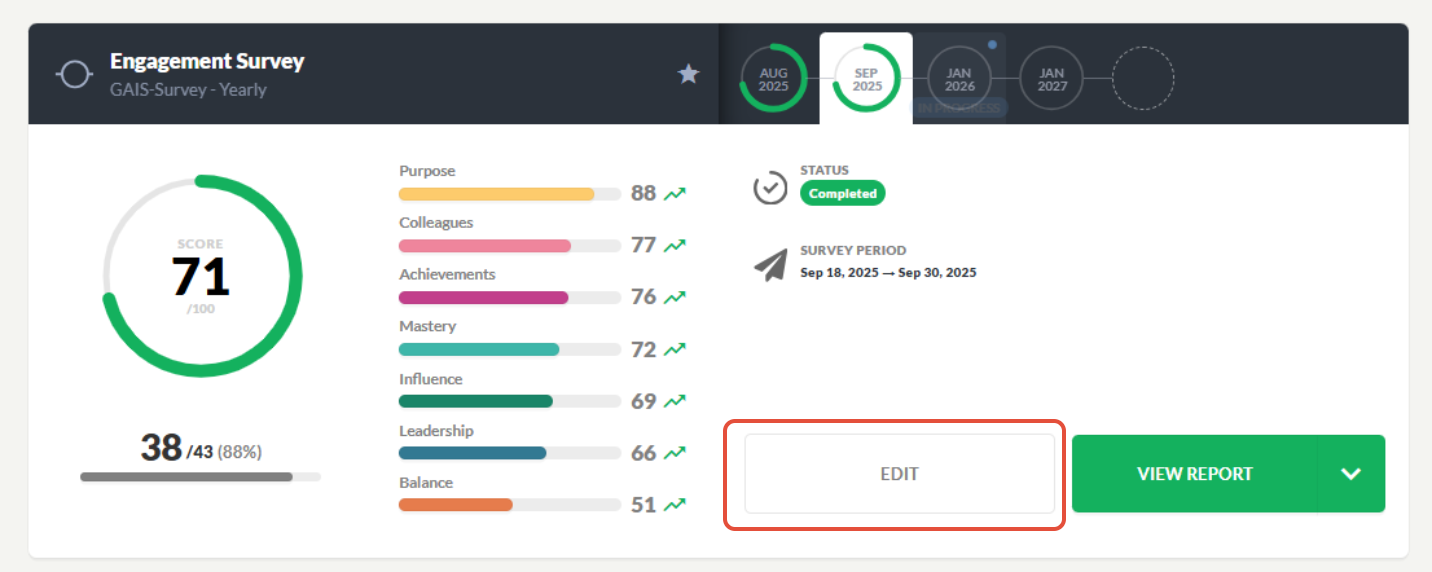
You can archive your GAIS survey if it is no longer relevant. Locate the survey card for the survey you want to archive and click Edit.
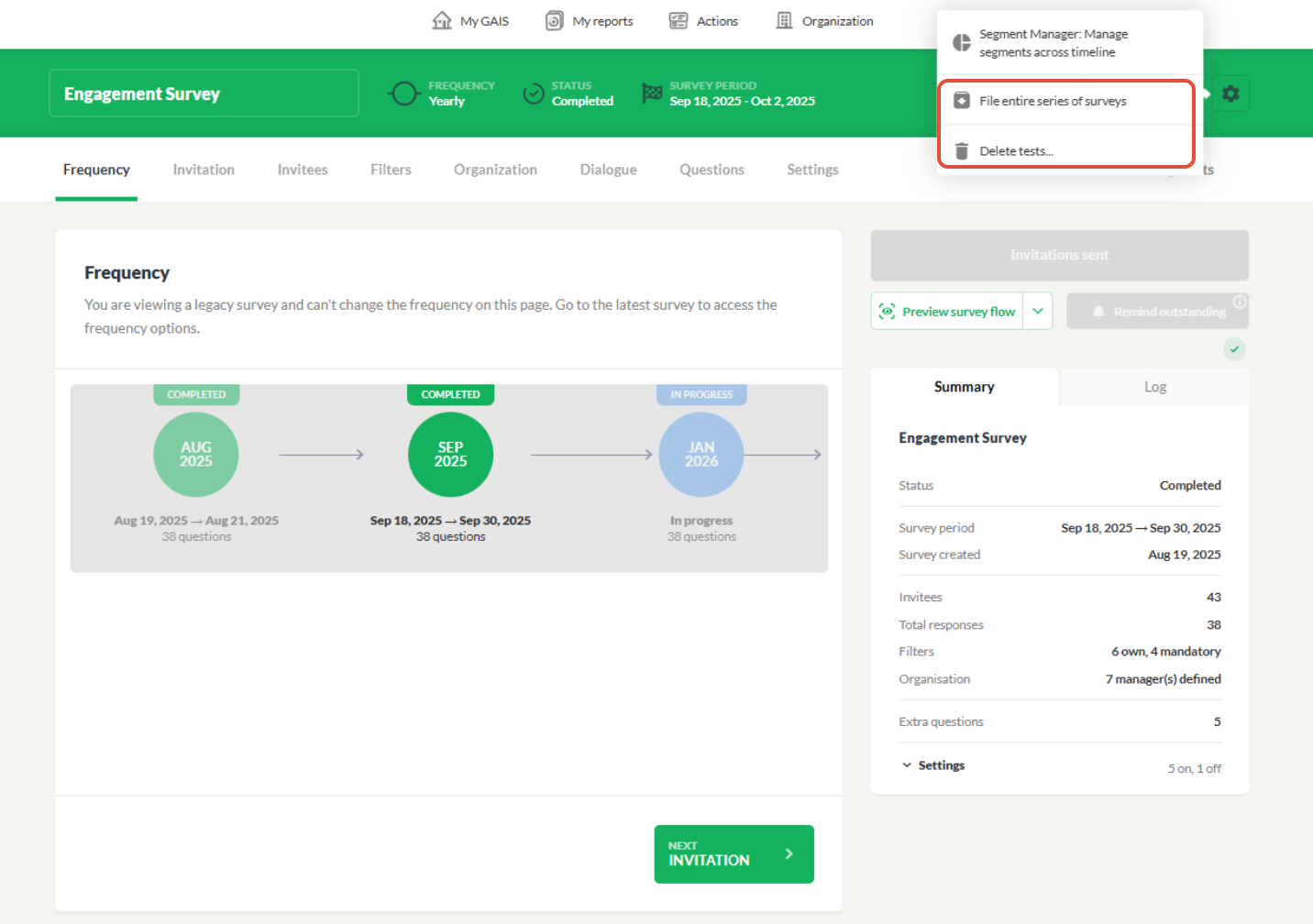
Click the settings icon at the top. You can choose to archive an entire series of surveys or delete individual surveys.
It is important to note that you can archive entire survey series, but individual surveys can only be deleted permanently. Once a survey is deleted, it cannot be recovered. If you select Archive, the action takes effect immediately, and the button will change its name to Unarchive survey. This allows you to restore the survey series if you change your mind.
To activate the delete button, you must type “confirm deletion”. Once a survey has been deleted, it cannot be restored. It is possible to delete multiple surveys at the same time.
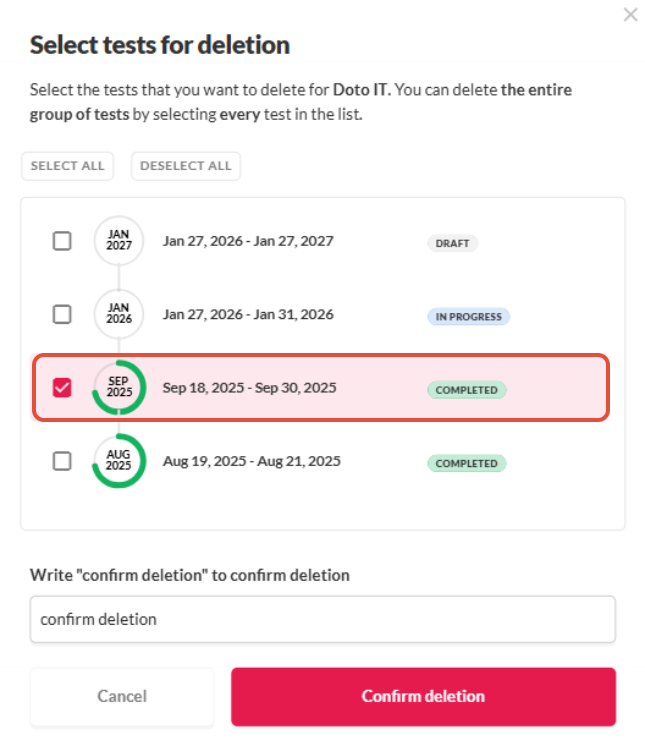
Please note that not all surveys can be deleted. It is not possible to delete the very first survey in a series, as it serves as the baseline. You also cannot delete a survey that comes before a Pulse survey, as it functions as the baseline for Pulse survey.
Was this article helpful?
That’s Great!
Thank you for your feedback
Sorry! We couldn't be helpful
Thank you for your feedback
Feedback sent
We appreciate your effort and will try to fix the article