The Segment Manager gives you a clear overview of all report segments your company has created across a series of surveys. It also allows you to merge segments that have changed names over time, so you can track how each segment develops throughout the survey series.
Note: The Segment Manager is only available in our paid subscriptions. Contact us if you would like to know more about our subscription solutions.
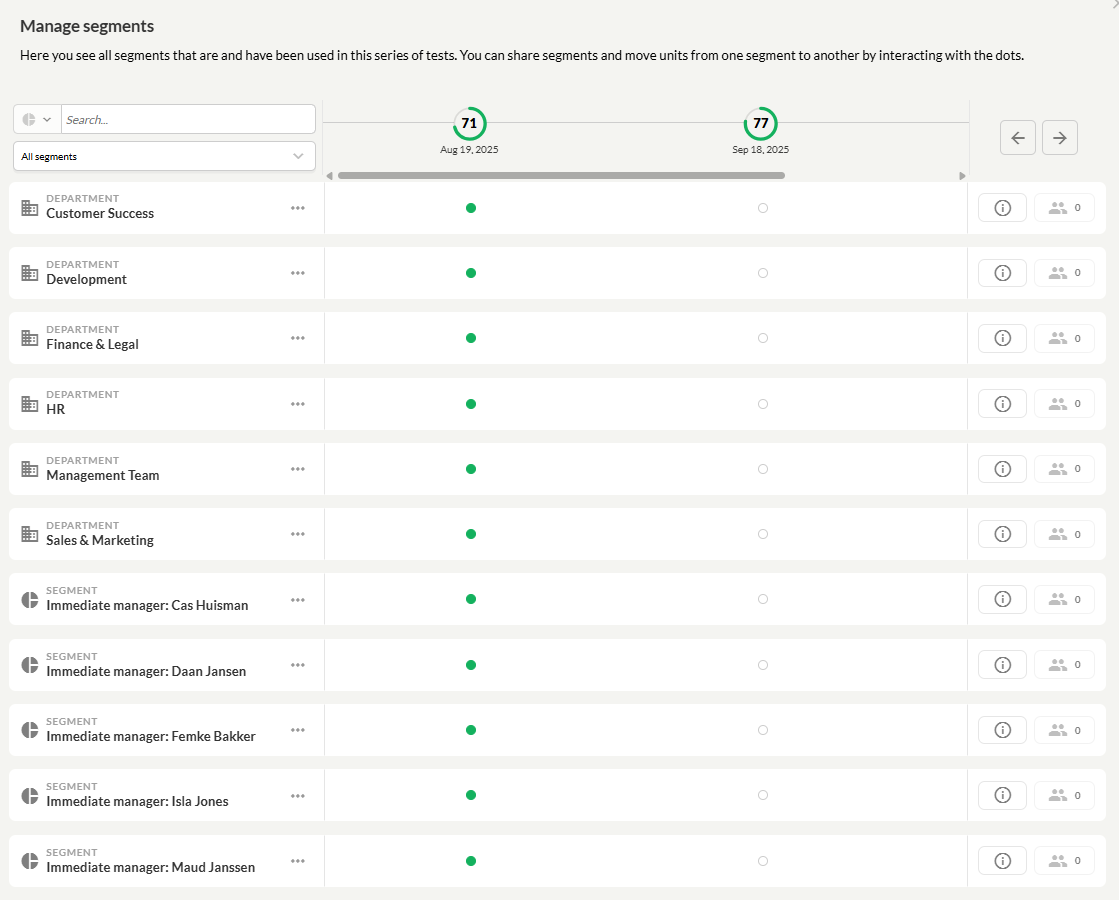
Where to find the Segment Manager
Click on “Edit” for a survey. It doesn’t matter whether the survey is a draft, ongoing, or completed.
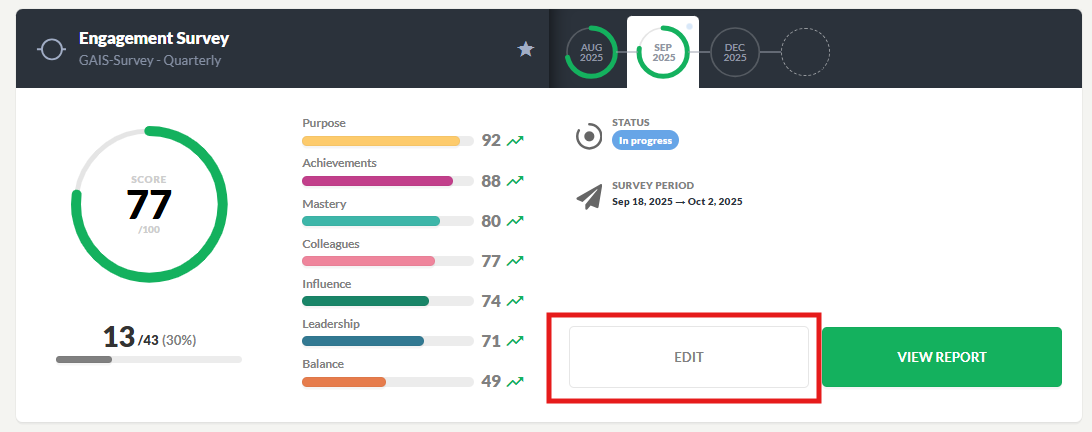
When you open the survey, you’ll find the gear icon in the top right corner. Click on it and select “Segment Manager: Manage segments across timeline.”
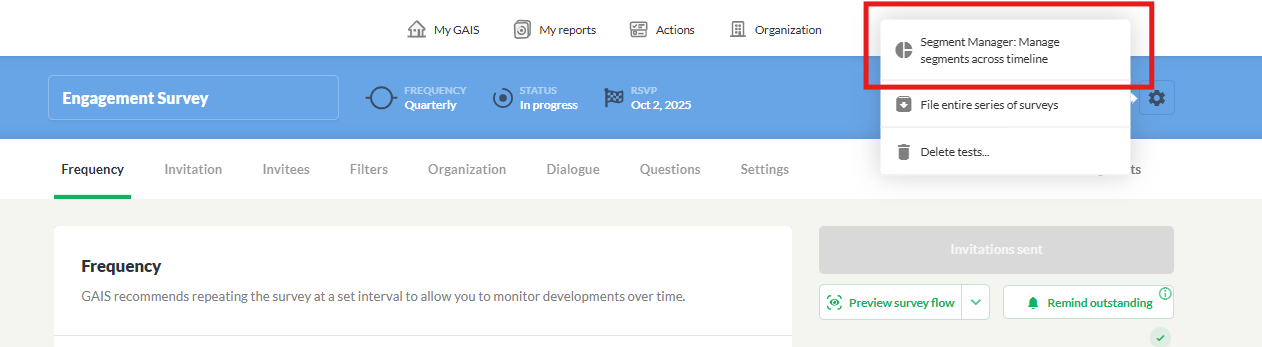
You will now enter a view where you can see all segments across the entire survey series—not just the specific survey you selected.
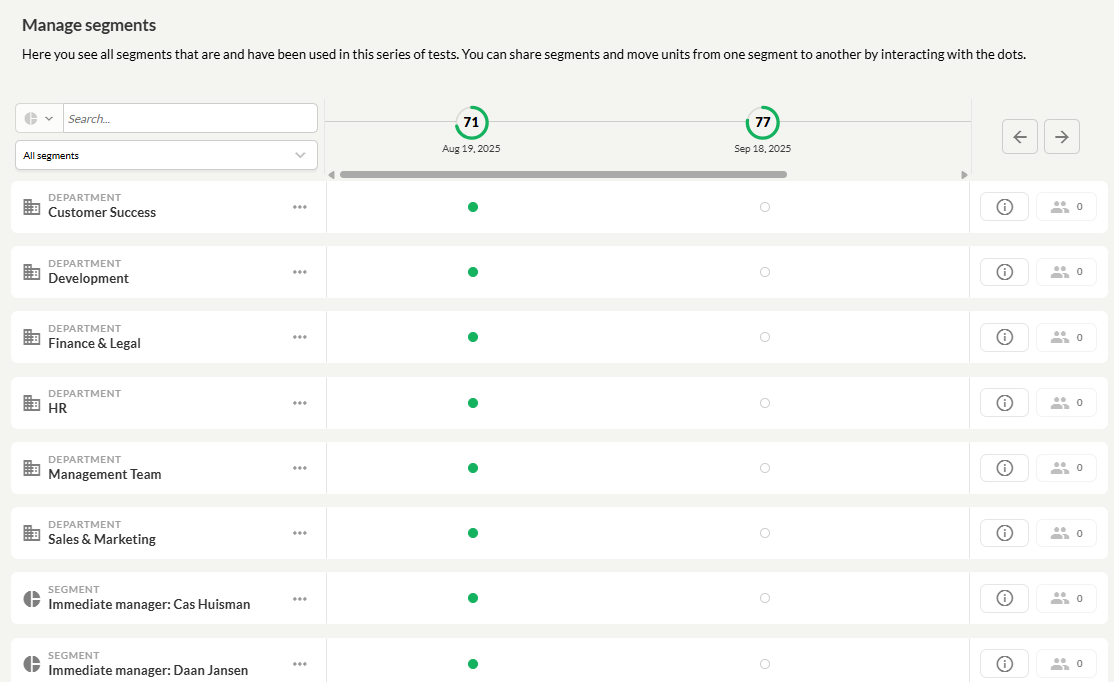
Search and sorting
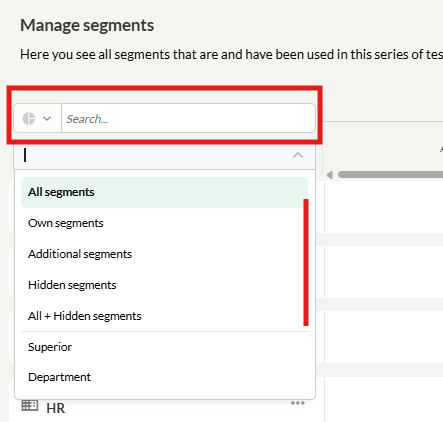
At the top of the screen, you can search for segments and individuals, and sort by different segment types.
In the example below, a search has been made for “marketing.” The segment has changed names several times throughout the survey series, and the current name for the Marketing department is Sales.
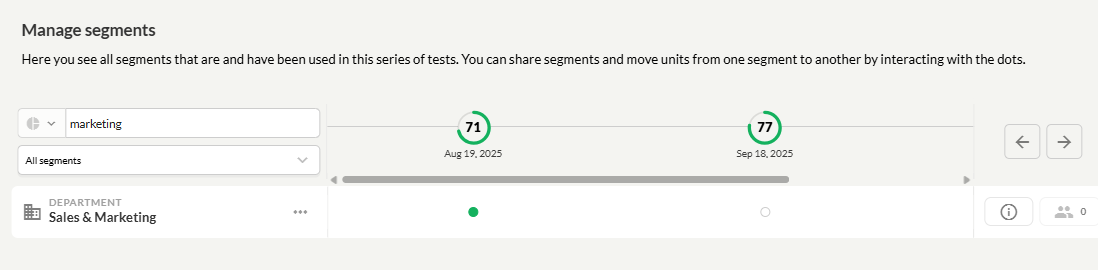
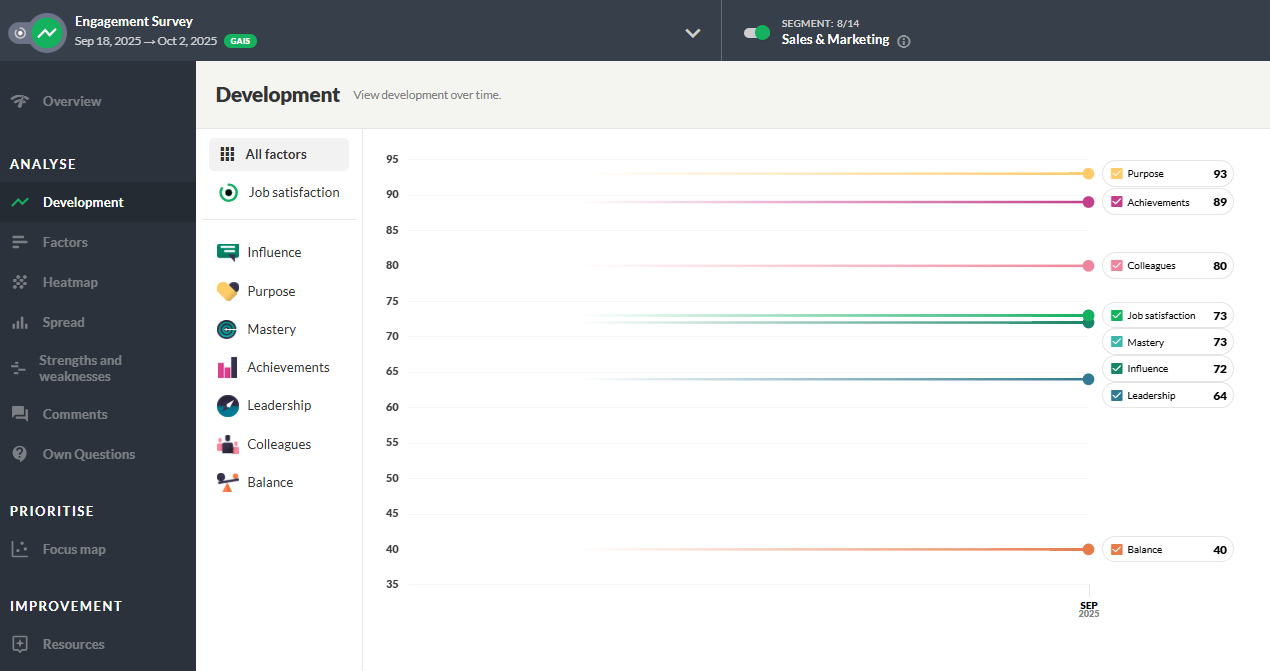
This requires segments to be moved/merged.
Moving/merging segments
To view time development, the other Marketing segments must be merged into the Sales & Marketing series. Start with the oldest segment, marked in green. When you hover over it, you’ll see the text: “Select to move this to another segment.”

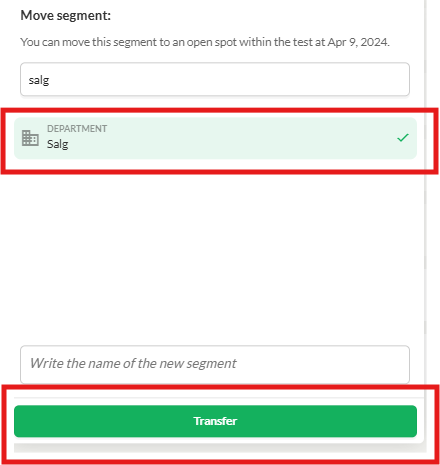
When you click here, a list of segments will open, allowing you to choose where to move the segment – in this case, select “Sales.”
Was this article helpful?
That’s Great!
Thank you for your feedback
Sorry! We couldn't be helpful
Thank you for your feedback
Feedback sent
We appreciate your effort and will try to fix the article