Access your GAIS report
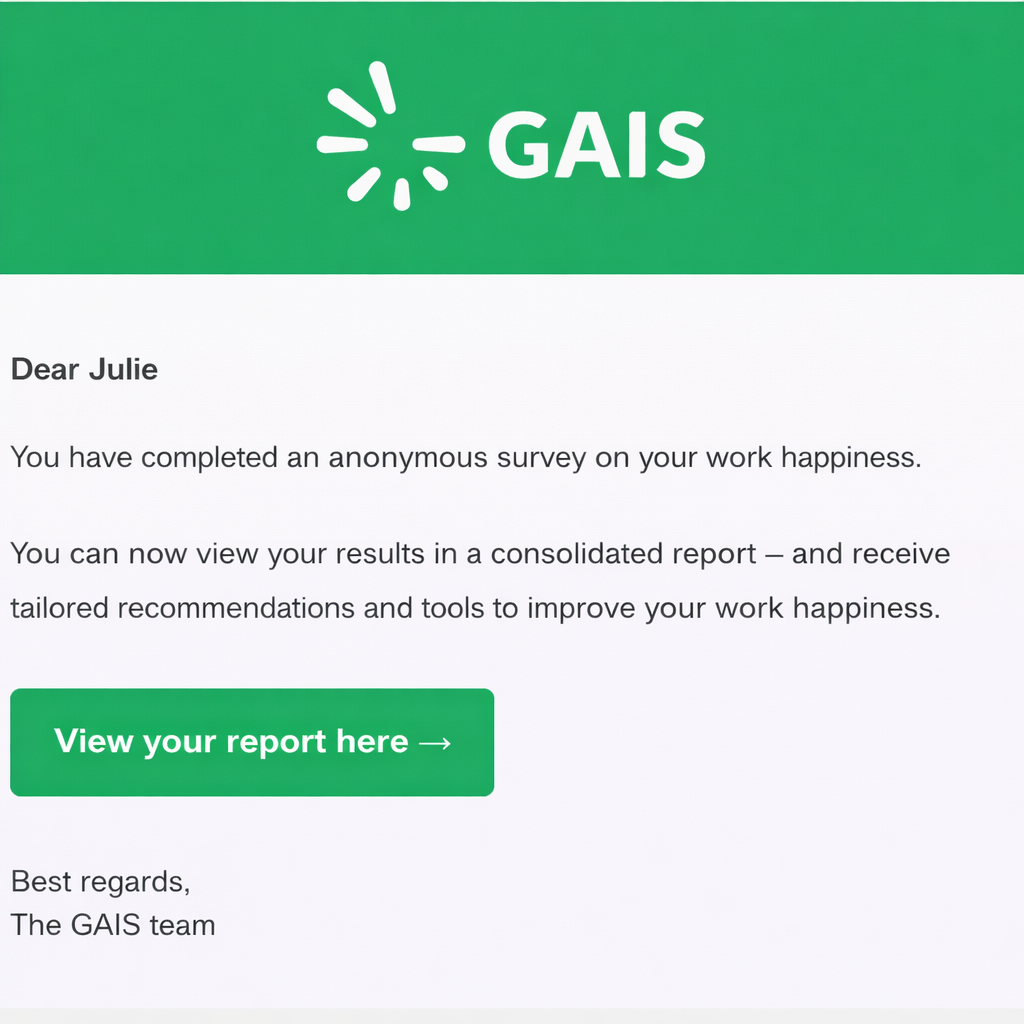
Once you have completed a GAIS survey, you will get immediate access to your personal report.
You will also receive an email with a link, so you can access the report later.
If the link has expired
The link in the email is active for 14 days.
If the link has expired, you can easily get a new one:
- Click “View your report” in the email
- You will be directed to a page where the link needs to be renewed
- Click “Send me a new link”
- You will receive a new email with an active link
Alternative: Log in to your profile
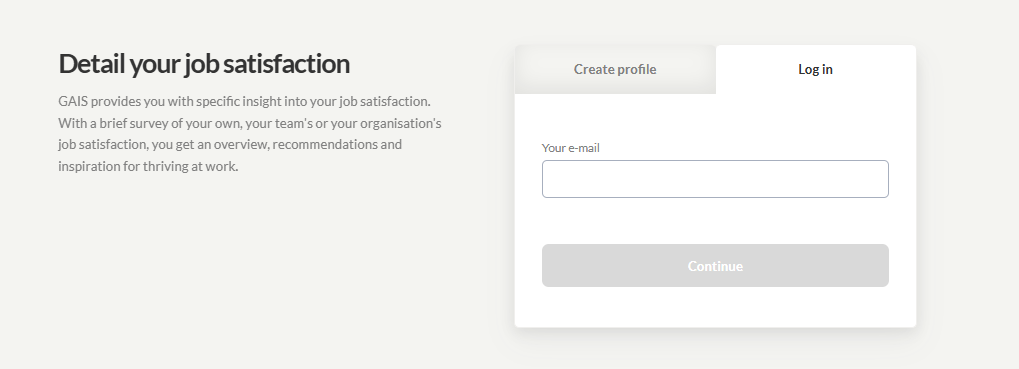
You don’t need to rely on saved emails – all your reports are available on your GAIS profile.
Go to login:
https://app.gais.dk/auth/#/login
First time logging in
If this is your first time logging in:
- Click “Forgot password”
- Enter the email you used for the survey
- Click “Reset password”
You will receive an email with a link (remember to check your spam folder).
Create a password
Using the link, you can create your password.
- Minimum 6 characters
- We recommend using a mix of uppercase and lowercase letters, numbers, and symbols
Once your password is set, you will have access to your profile and all your reports.
Tip
You can bookmark the login page in your browser for quick access to your reports in the future.
Was this article helpful?
That’s Great!
Thank you for your feedback
Sorry! We couldn't be helpful
Thank you for your feedback
Feedback sent
We appreciate your effort and will try to fix the article